 zings
Inbox & Today
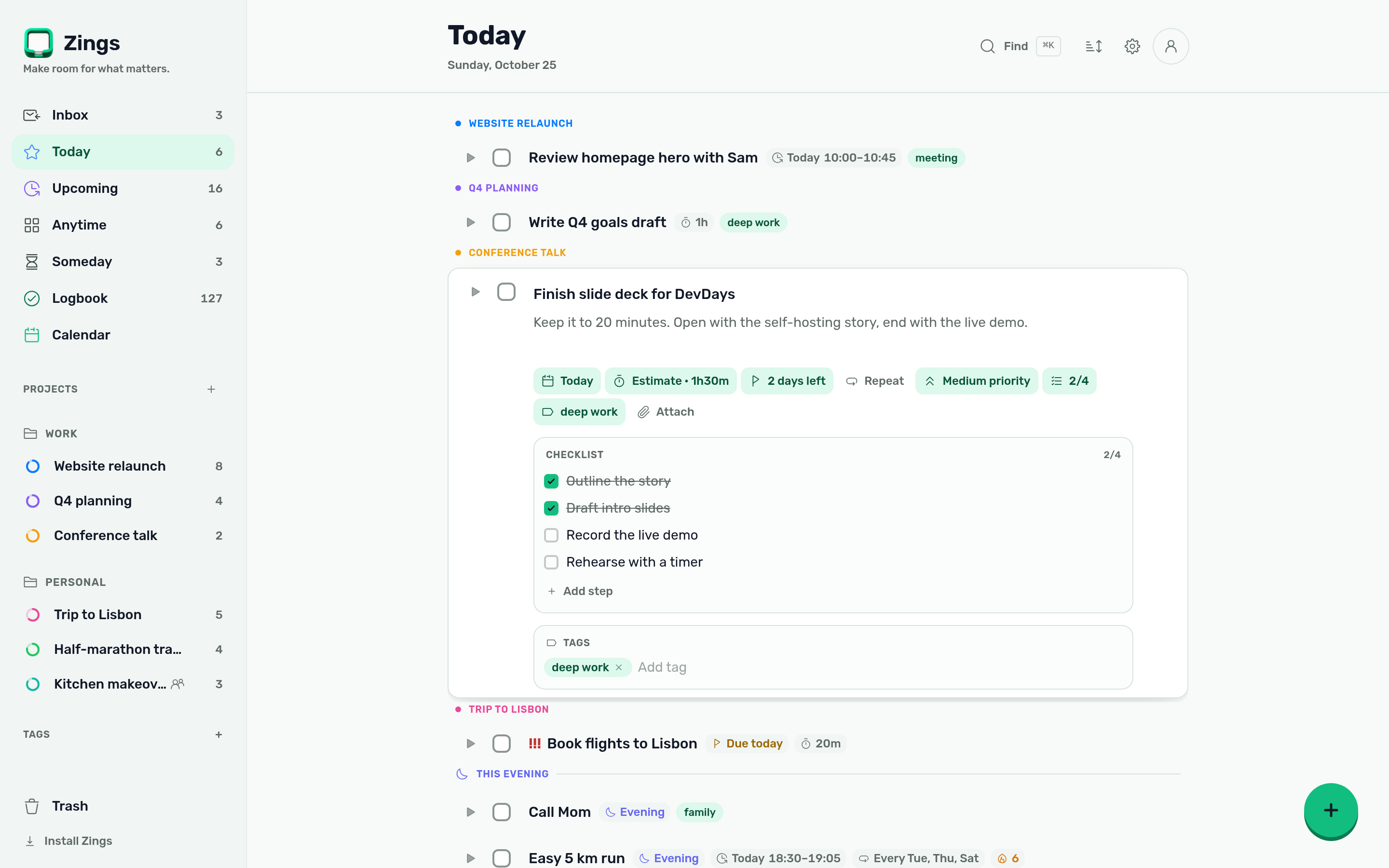
Catch ideas in the Inbox. Give them a date when you're ready, and Today shows the plan.
A calm task app inspired by Things 3. Plan your day in the browser, keep your data on your own server.
This is the real app. Check off a task, open one, or add your own. Changes stay in this browser.
Catch ideas in the Inbox. Give them a date when you're ready, and Today shows the plan.
Type it the way you'd say it, in English or Czech. Zings sets the date.
See the week ahead, subscribe to external calendars and publish a private feed.
Invite people into a project. Every change shows up on everyone's devices in real time.
Repeating tasks with streaks, and timers that show where your week went.
Checklists, markdown notes and attachments live inside the task. Encrypt the private ones.
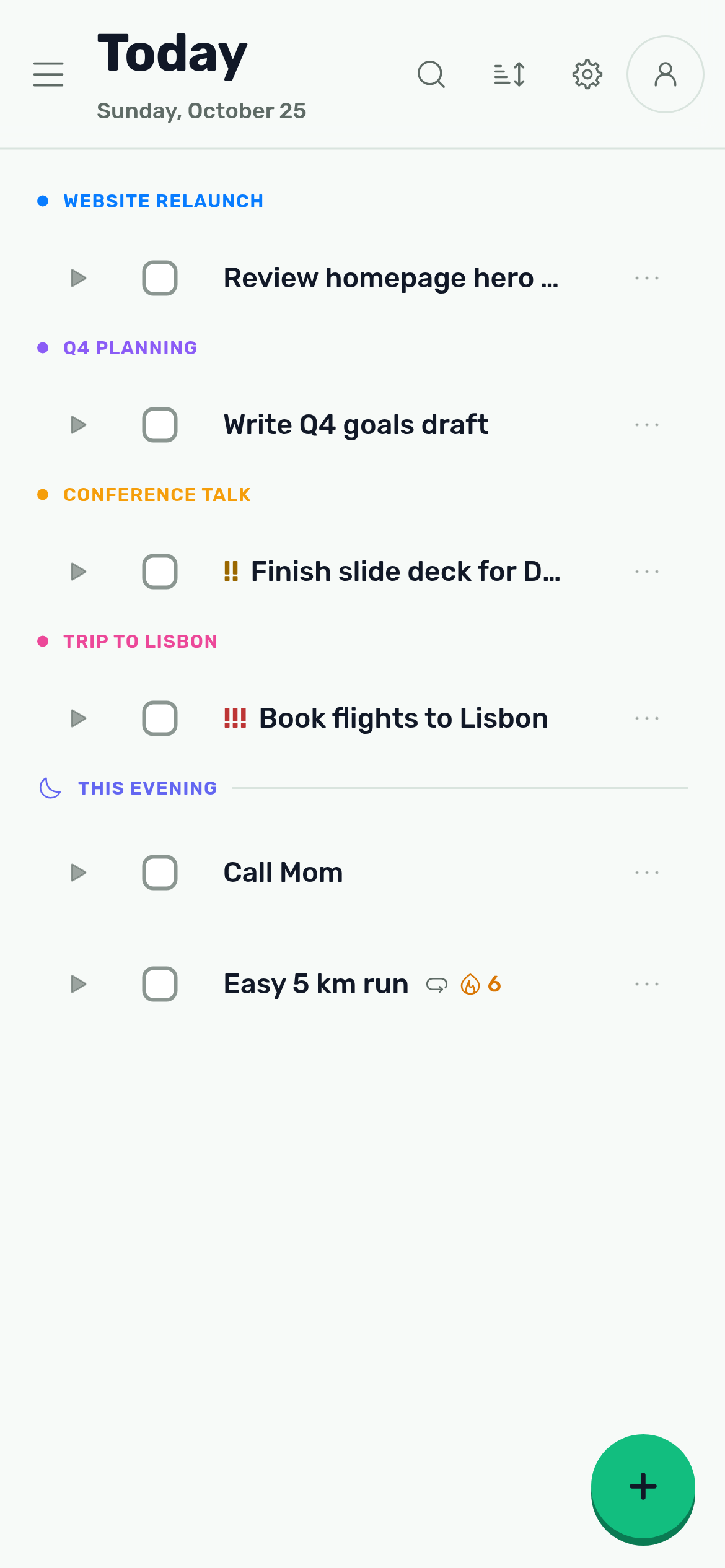
The same workspace, sized for your pocket. Install it on your home screen, capture a thought and get back to your day.
App, database, auth and sync ship in a single 45 MB image that runs in about 30 MB of RAM.
Open the app, sign up and invite whoever you plan with.
Add it to your phone and desktop as a PWA.
$ docker run -d --name zings -p 8090:8090 \
-v zings:/pb/pb_data ghcr.io/greeenos/zings✔ Pulling ghcr.io/greeenos/zings:latest✔ Creating volume zings✔ Applying database migrations✔ Starting PocketBase, auth and realtime✔ Container zings is healthyℹ Open http://localhost:8090Success! Your workspace is ready.If Zings earns a place in your day, you can support its development. Issues, pull requests and word of mouth help too.

0x72160619F847068AB307447d363D580d85A47002
DjnRV3h6VkvGCHiYSaqU2VKR66NCva46UYdQSfZtP4sdChoose the matching network and check the address in your wallet before sending.